I recently started running again and wanted to use Strava on my iPhone to track some of runs.
It has been extremely annoying to always get WAY out of the park readings of my run. I’ve tried restarting my phone (iPhone 6S) , restarting GPS services, extended GPS signal search phase (waiting longer for it to lock) and nothing has helped. It does track a little bit better during ride but running is another case.
For example today I did a 2 miles test run at close to 10:00 (known course) and Strava picked up 3.97 miles at 5:10 per miles which I’ve never run in my entire life and I always end up with a clunky GPS diagram afterwards. It also never gives me a live pace average, it’s always at 0:00.
That sounds more like a phone issue than a strava issue. Do you have a way to confirm whether the phone’s GPS is working properly otherwise? Like looking at your location trace in Google Maps?
Do you have any idea how to test like you said on Google Maps? The initial GPS Signal location before I start running is spot on, but then it doesn’t work correctly anymore.
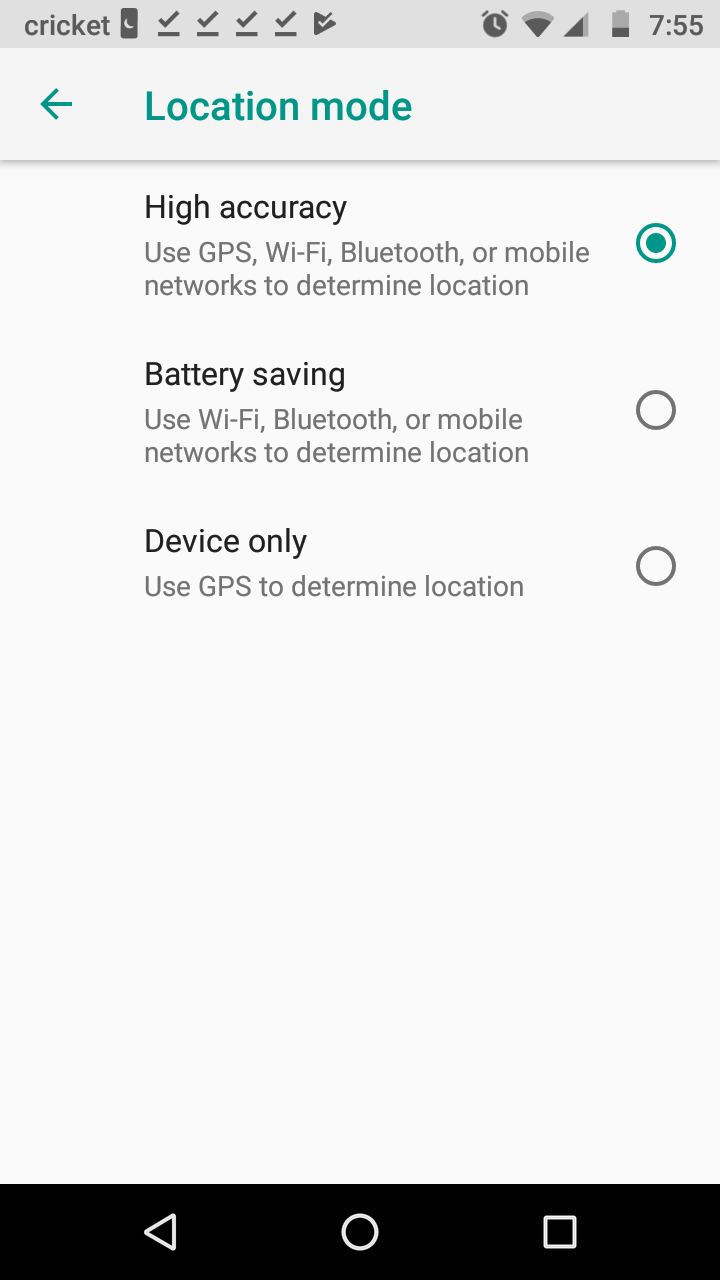
Maybe like this? Android though it’s odd bc u can change these setting to actually get better segment times. Mostly down or flat will work better on phone than wrist.
Do you have any idea how to test like you said on Google Maps? The initial GPS Signal location before I start running is spot on, but then it doesn’t work correctly anymore.
Sorry for late reply.
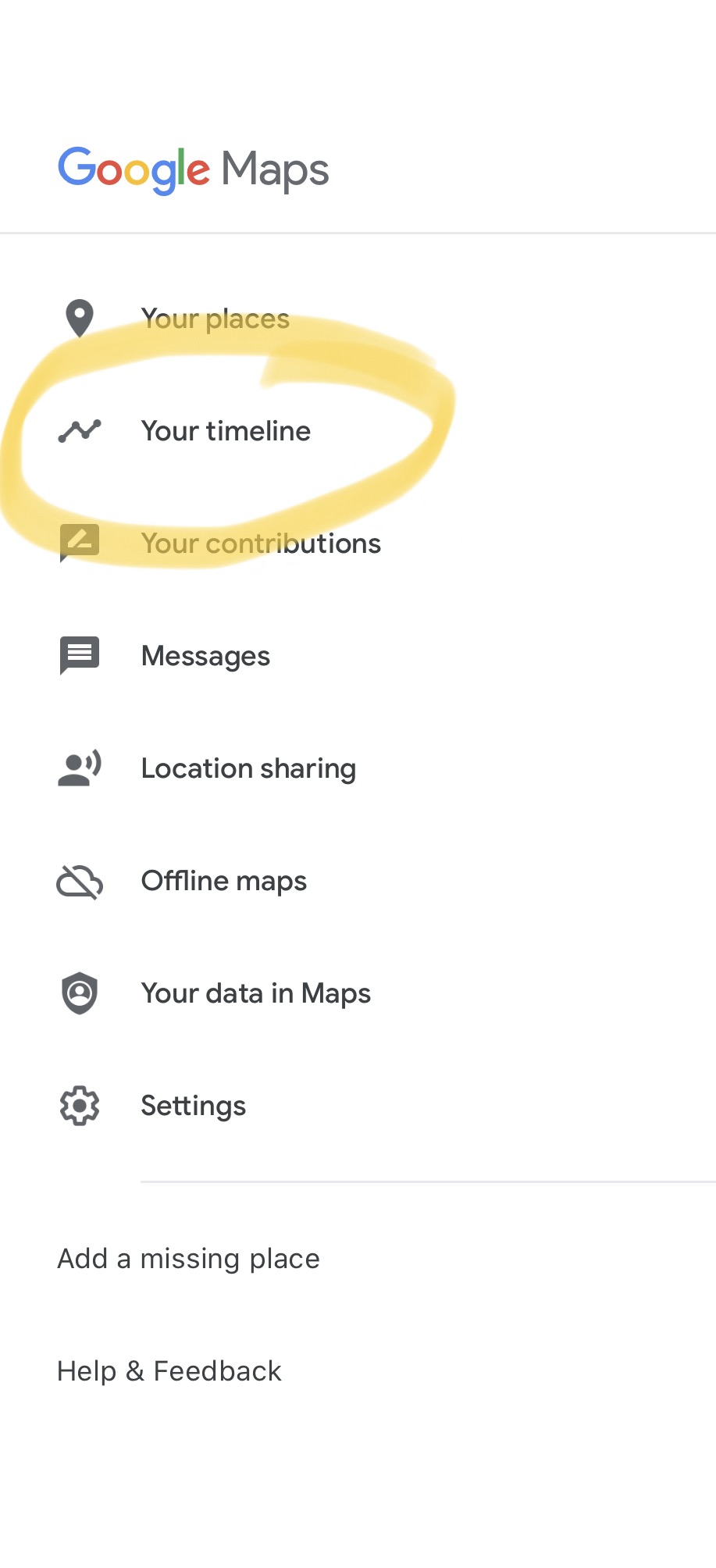
In Google Maps, tap on the menu in the upper left corner and then “your timeline” as shown below:
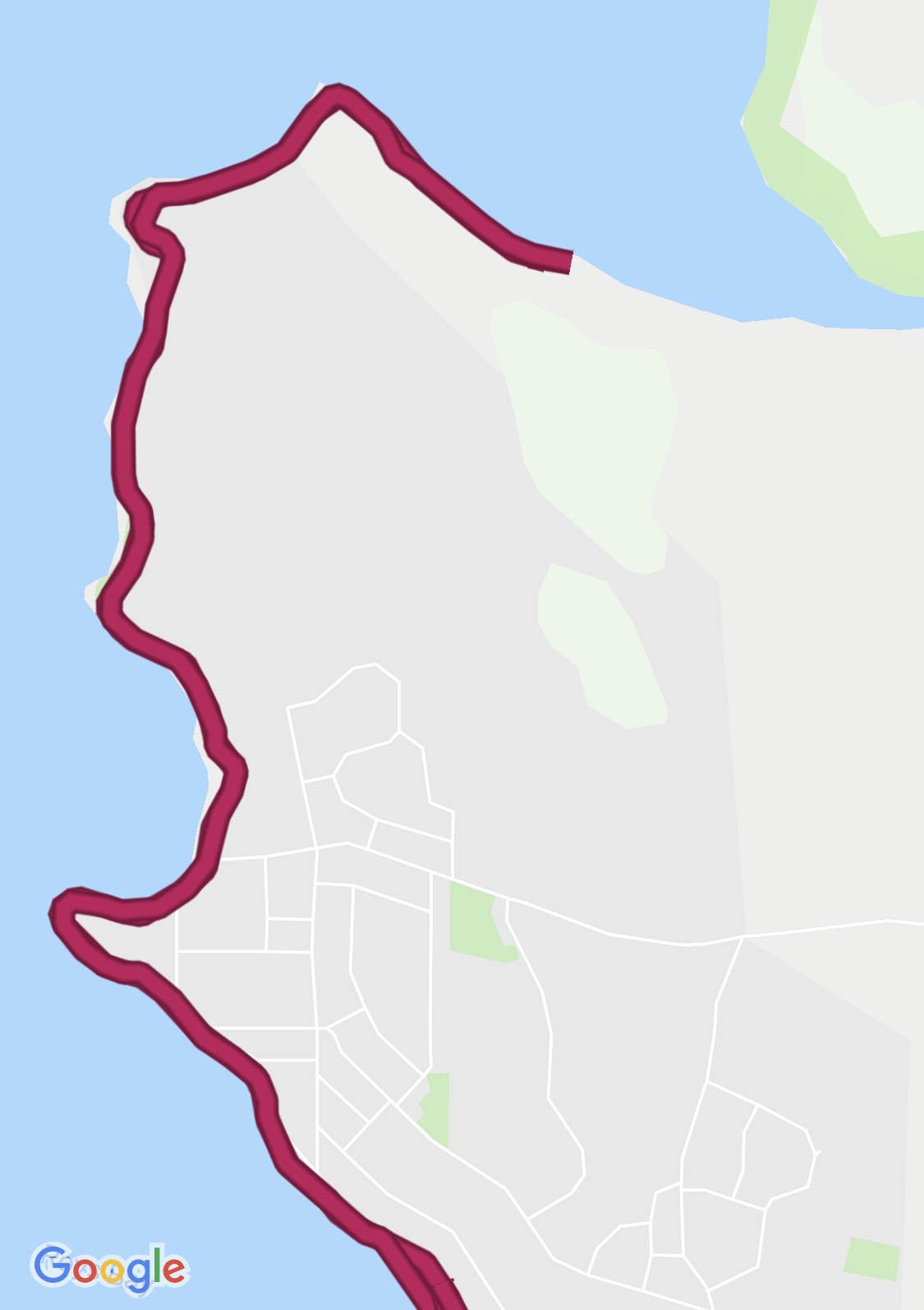
Then you can tap on the date of the run that you’re wondering about and see what Google’s track for your location looked like during that time. Example:
Compare that to what Strava shows for your location during that time. If they’re both jumping all over the place, then that points strongly to GPS issues in the phone, not the Strava app. If Google Maps looks fine and Strava looks crazy, then that’s a different story.